Driver identification
You’ll always know who was behind the wheel.
Every journey is linked to its driver, so when you need to know who had a vehicle, the answer is already in ZonnaGPS.
Driver · Vehicle · Journey
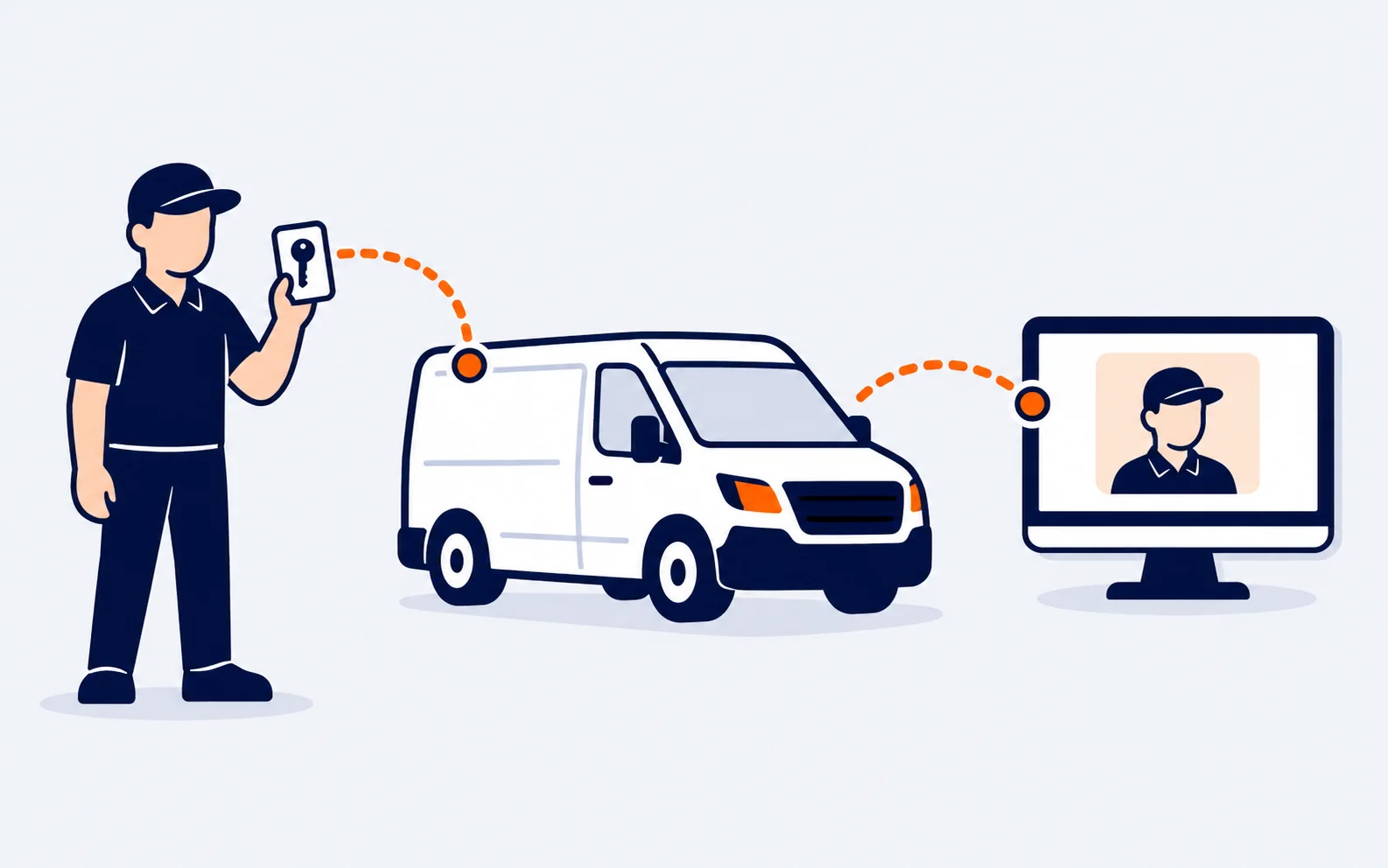
When you need to know
A fine. A knock. A complaint. A clear answer.
When several drivers share vehicles, who was driving stops being a question and becomes a recorded fact.
Who was driving?
Check who had the vehicle at that moment.
Which vehicle did they use?
Link each driver to the vehicles they used and the journeys they made.
What happened before?
Go through the history without piecing the day together by hand.
You choose how
Three identifiers. The same result.
Choose the system that best fits the way your team works.
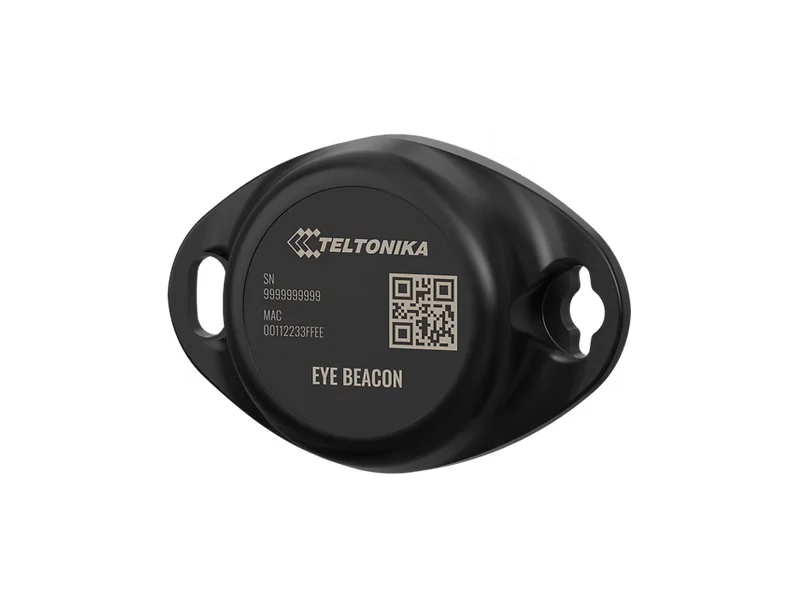
iBeacon
Automatic. The driver carries their identifier and ZonnaGPS does the rest.
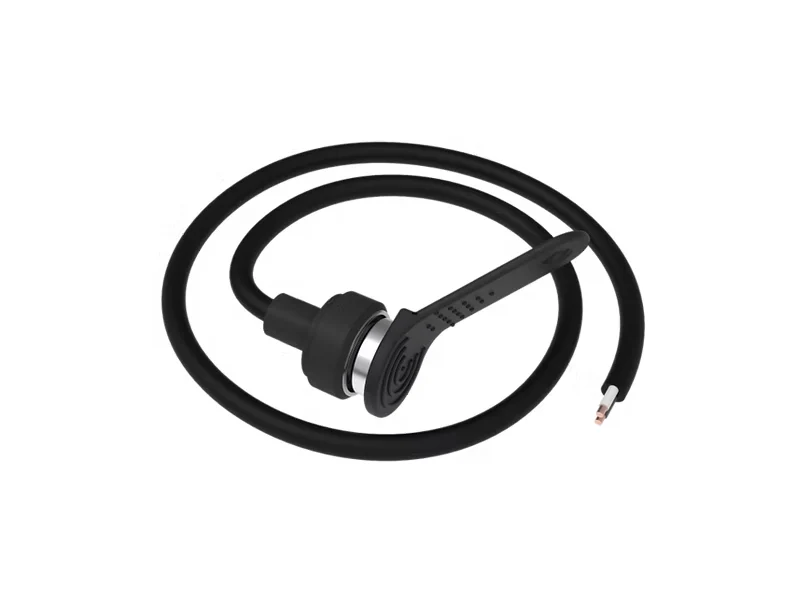
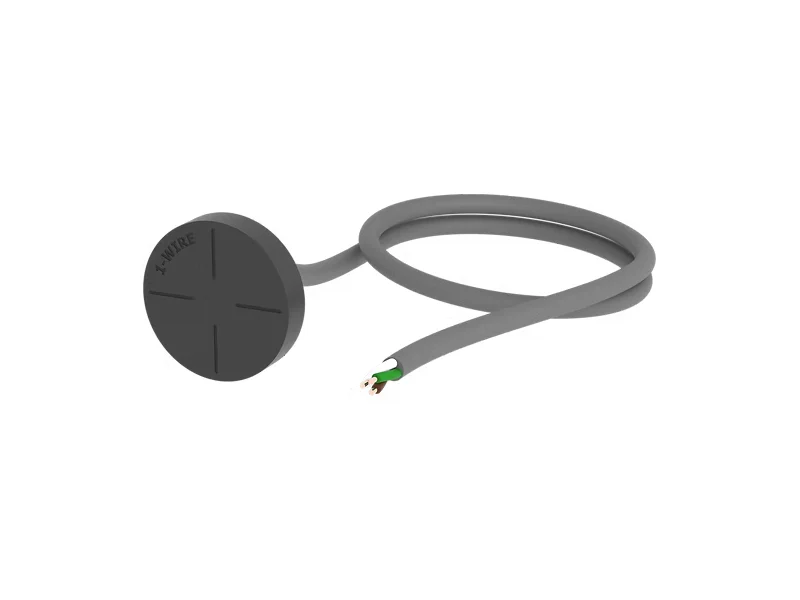
iButton
Direct. The driver identifies themselves when they start using the vehicle.
NFC
Flexible. Identification with an NFC card.
Three ways to fit in with how you operate. One way to always know who’s driving.
With the tachograph and the app too
More ways to know who’s driving. And a history that remembers.
Use what your team already carries and check later who had each vehicle.
Tachograph card
The driver is assigned to the vehicle with their own tachograph card.
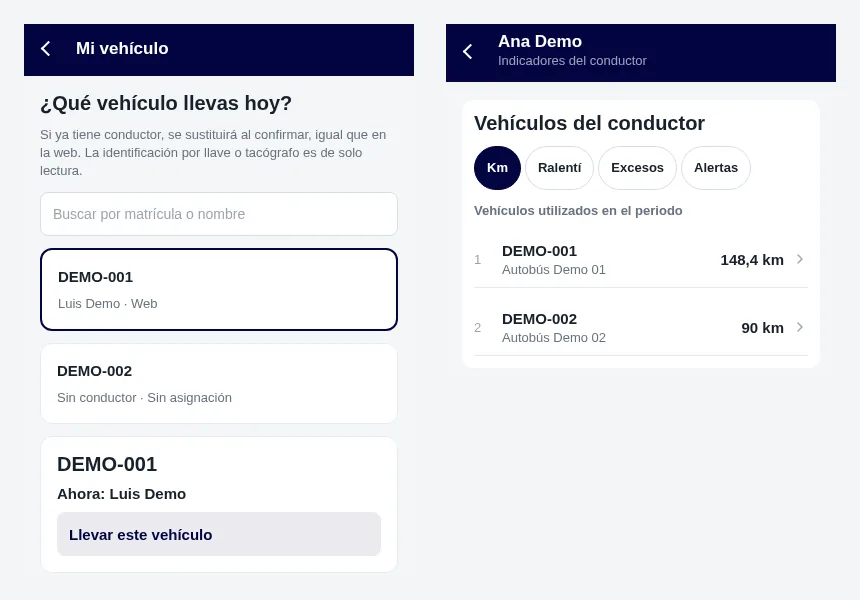
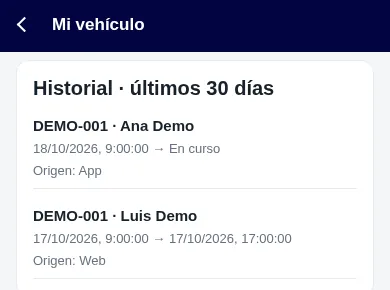
“My vehicle” in the app
The driver assigns themselves the vehicle in the ZonnaGPS app, under “My vehicle”.
Who had each vehicle
Check the history of which driver had each vehicle, in the app too.
iButton key history
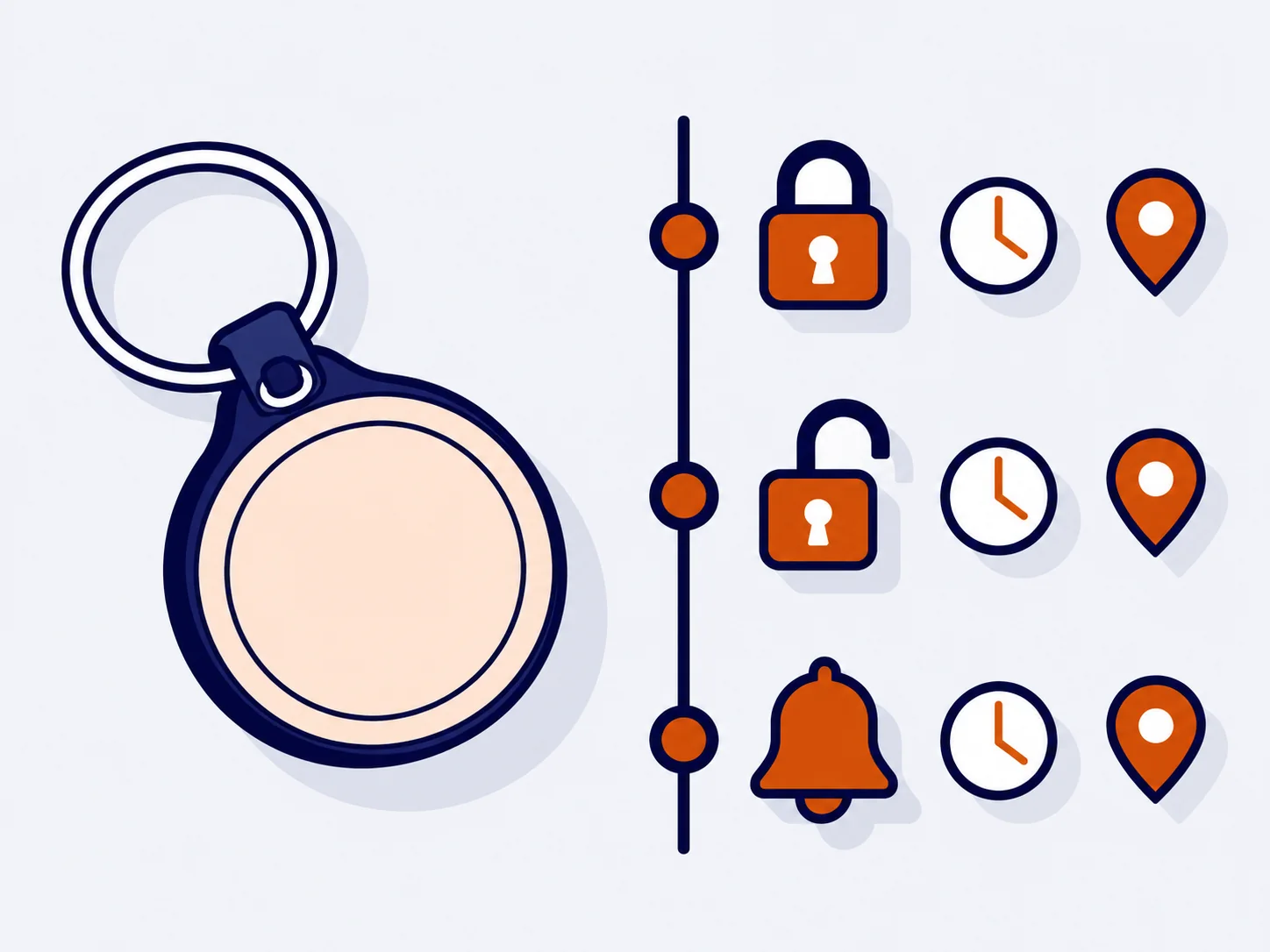
Every activation is recorded.
Every time an accessory is armed, disarmed or triggered with the iButton key, ZonnaGPS saves it.
- How long it was active.
- Where the vehicle was.
- Who did it.
Every journey, with a name attached.
Add the driver to the information you already have for each vehicle and clear up any doubt when it really matters.