For managers: the fleet on the map
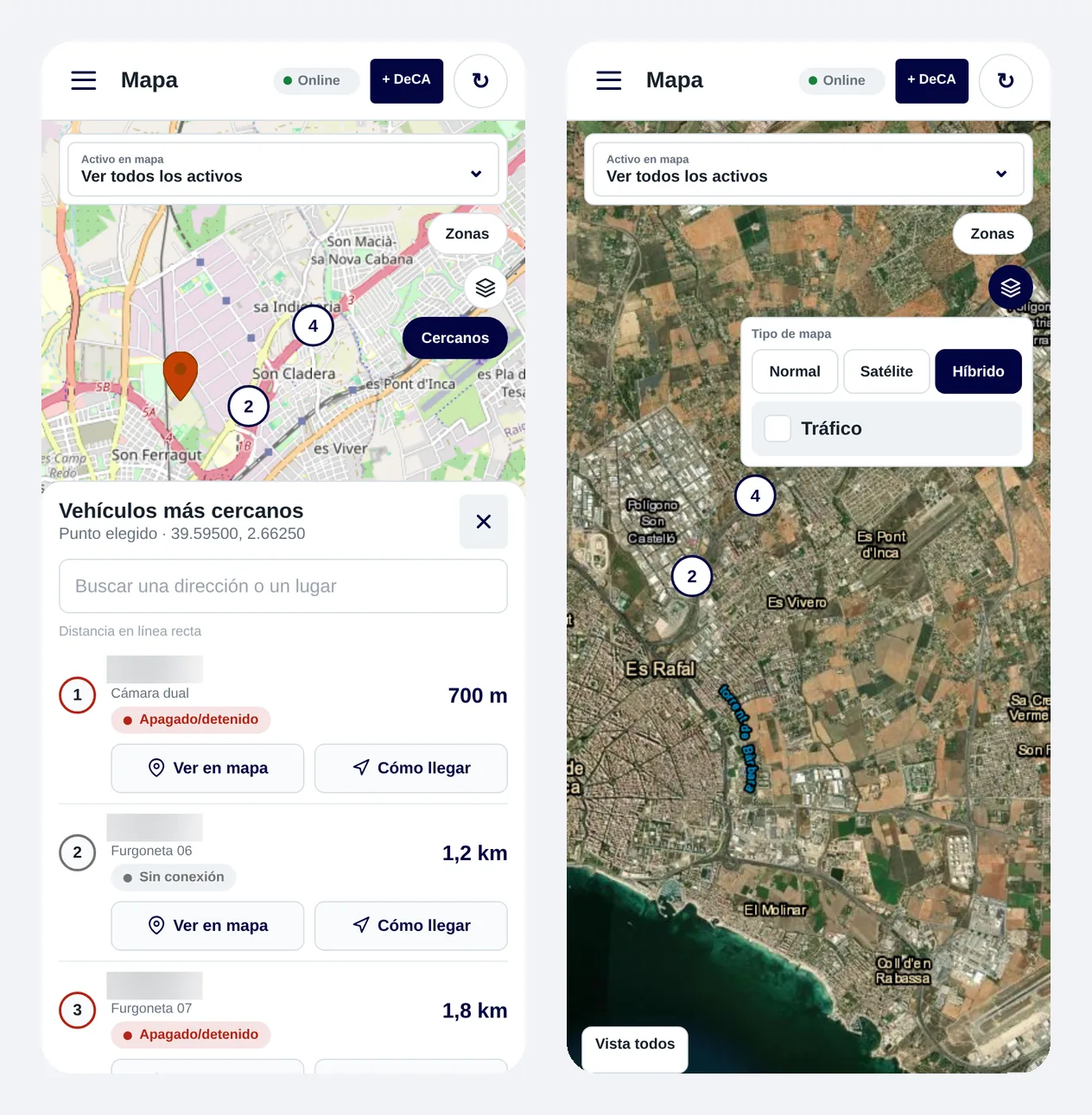
Follow your vehicles in real time, with satellite, hybrid and traffic layers, and organise them into groups. With “Nearby” you see which vehicle is closest and open “Directions” in one tap.
ZonnaGPS app · iOS and Android
One app for iOS and Android: managers control the fleet from anywhere and drivers have their working day to hand.
What you can do
Follow your vehicles in real time, with satellite, hybrid and traffic layers, and organise them into groups. With “Nearby” you see which vehicle is closest and open “Directions” in one tap.
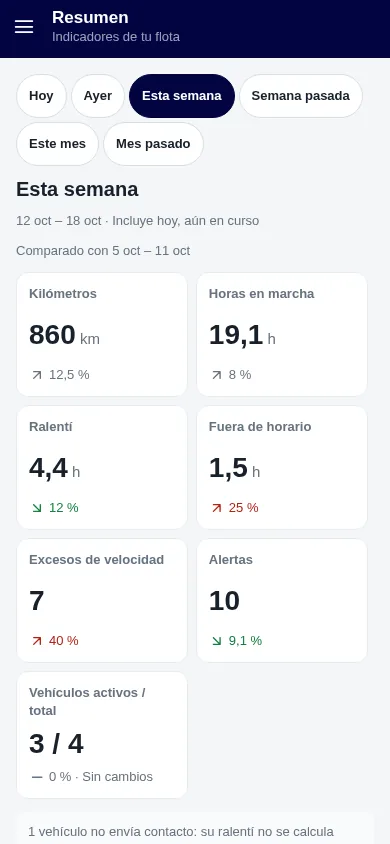
Everything you need to manage without opening your computer:
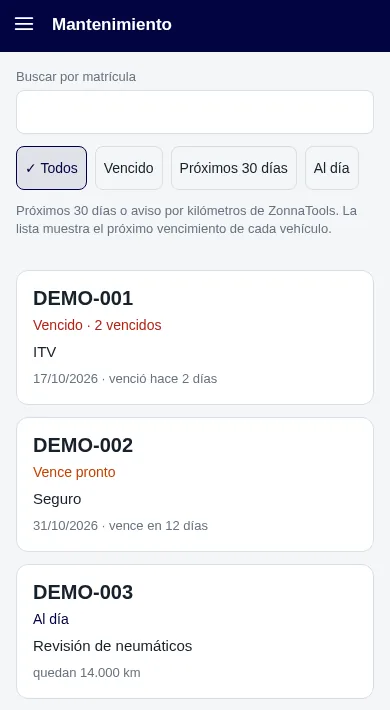
Send a temporary link, valid from 1 to 24 hours, with the estimated arrival time. It closes automatically when the vehicle arrives, so you don’t share more than you need to.
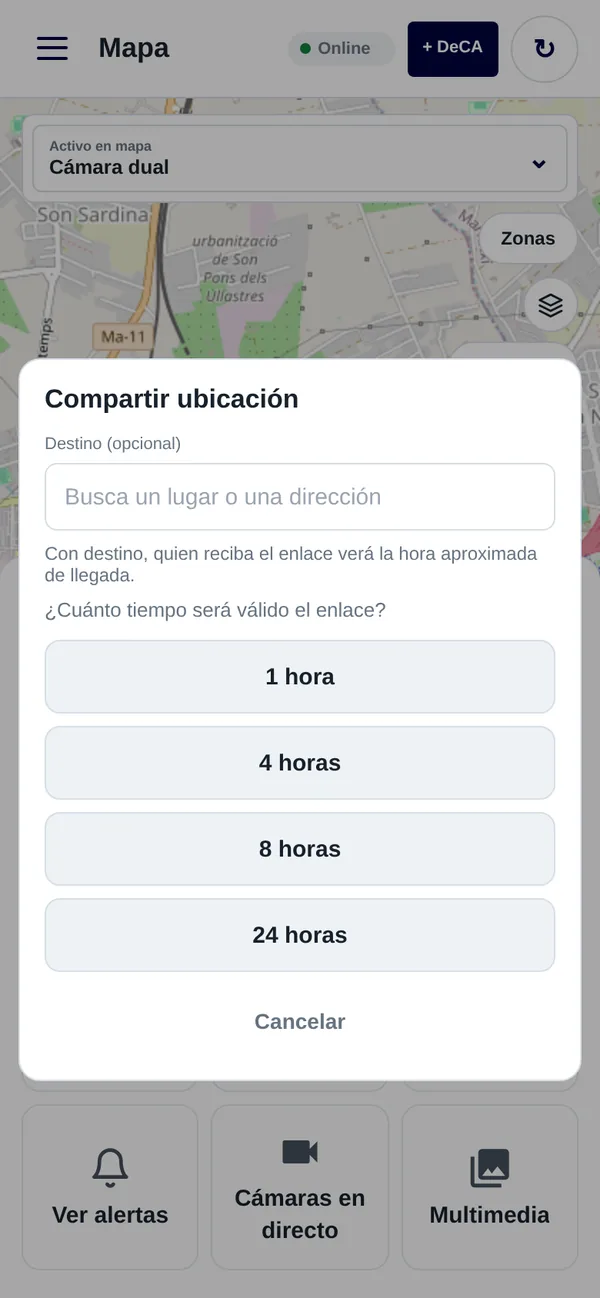
Drivers have what they need to do their job in the app:
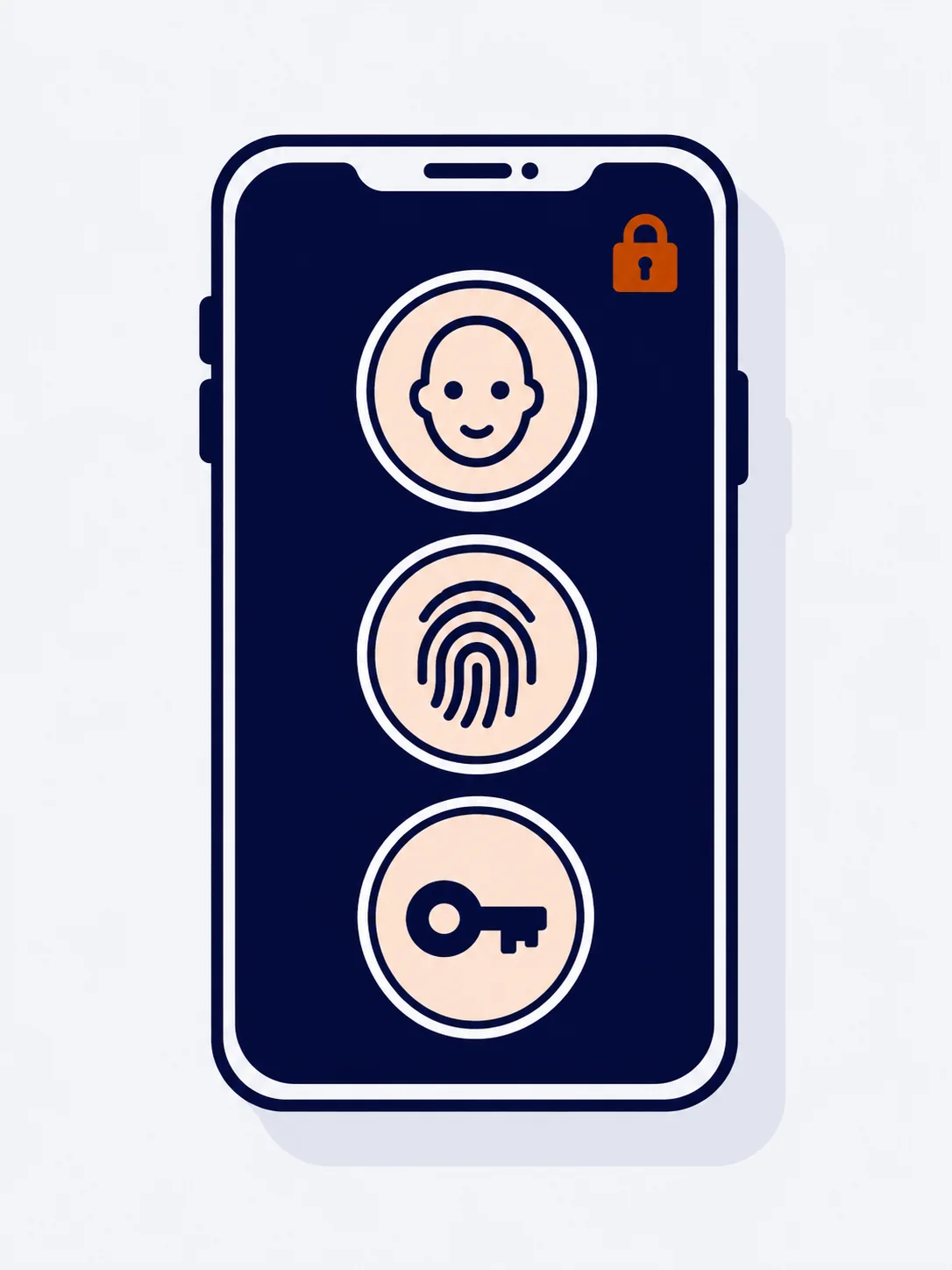
Sign in with Google, Face ID or fingerprint, and use dark mode if you prefer.
How it works
Available for iOS and Android.
With Google, Face ID or fingerprint.
Managers see the fleet, alerts and reports. Drivers see their jobs, their DeCA and their route.
FAQs
The ZonnaGPS app is available for iOS and Android.
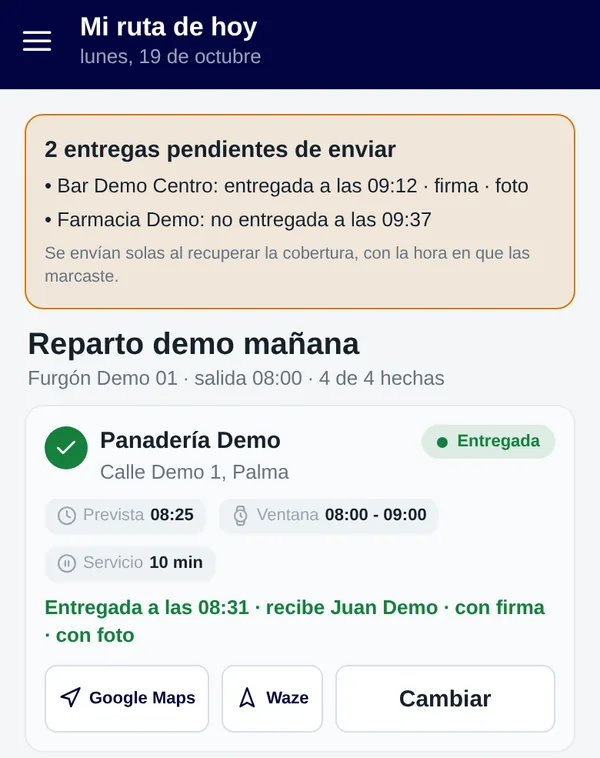
See their jobs for the day, week or month, open the DeCA with its QR code in one tap, follow “My route today” with a signature and photo at each delivery, chat with the office and check “My vehicle”.
Yes. Drivers can show the DeCA with its QR code even without signal.
With a temporary link, valid from 1 to 24 hours, that shows the estimated arrival time and closes automatically on arrival.
With Google, Face ID or fingerprint. It also has dark mode.
Contact
Ask for more information, request a free demo or get started with us.
Geofence How fast can you get your fleet under control?
Inside: 0/7Congratulations!
Fleet under control in 0 sec.
Your prize: free delivery
One use per customer in the ZonnaGPS online shop.