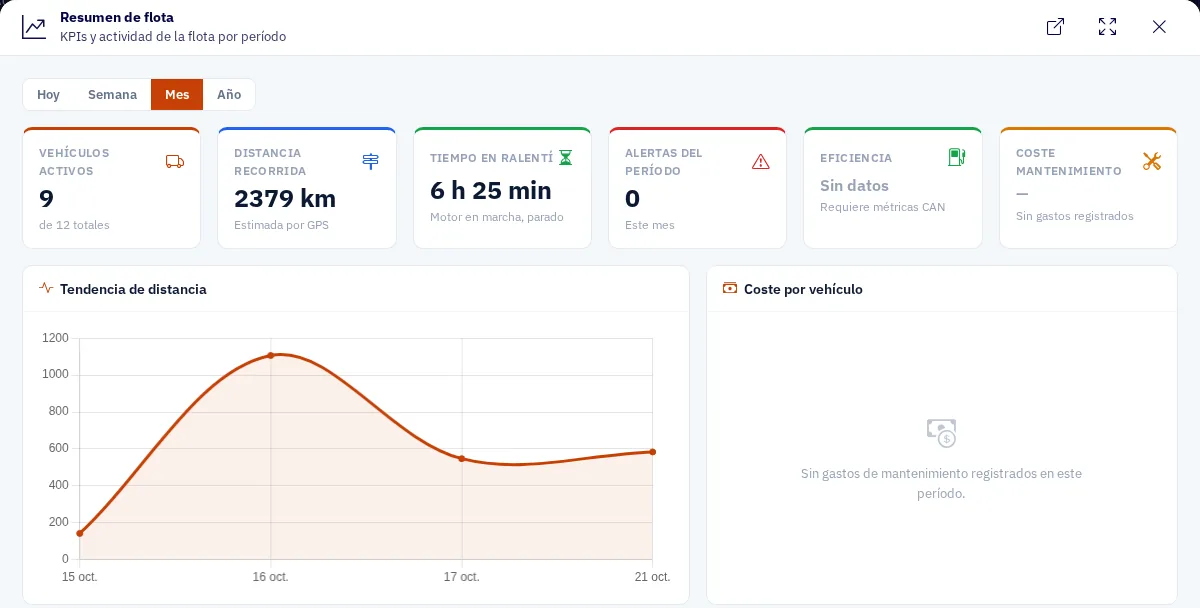
Your fleet summary at a glance
See trends by day, week, month or year, compared with the previous period. It includes:
- Active vehicles
- Kilometres
- Idling
- Alerts
- Efficiency
- Maintenance cost
Reports · KPIs
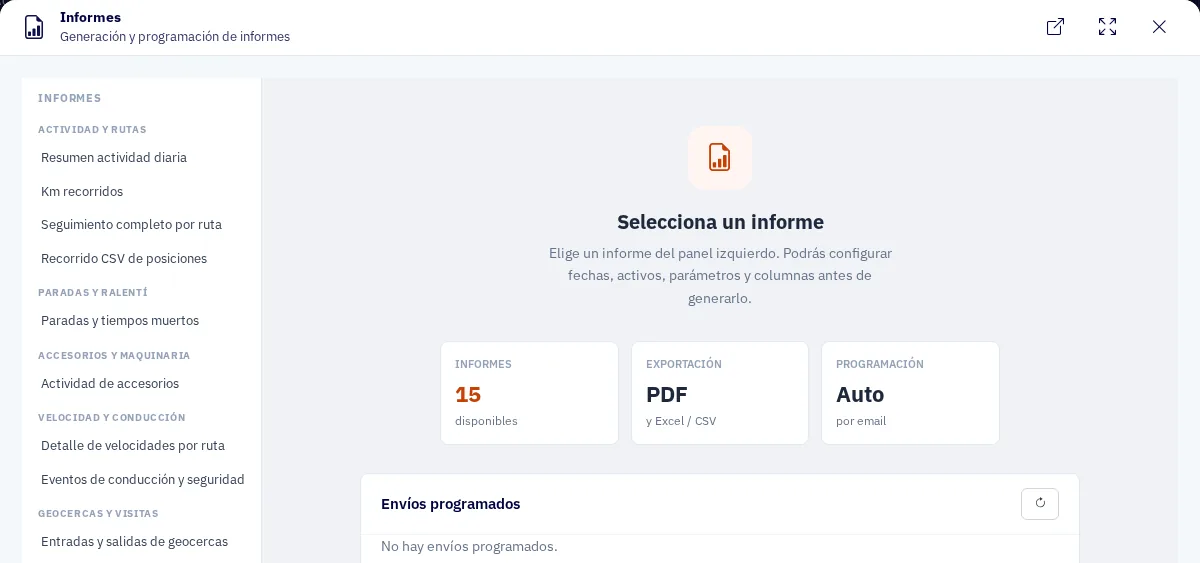
KPIs compared with the previous period and reports ready to share, on the web and on your phone.
What you can do
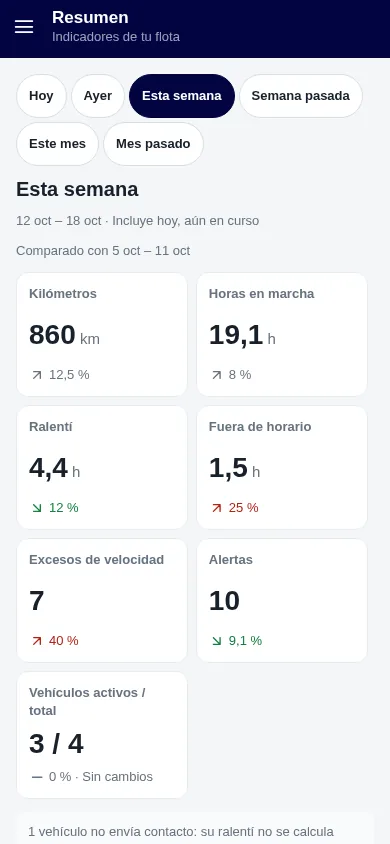
See trends by day, week, month or year, compared with the previous period. It includes:
On your phone you have the KPIs and the reports in PDF or Excel, which you can share on WhatsApp.
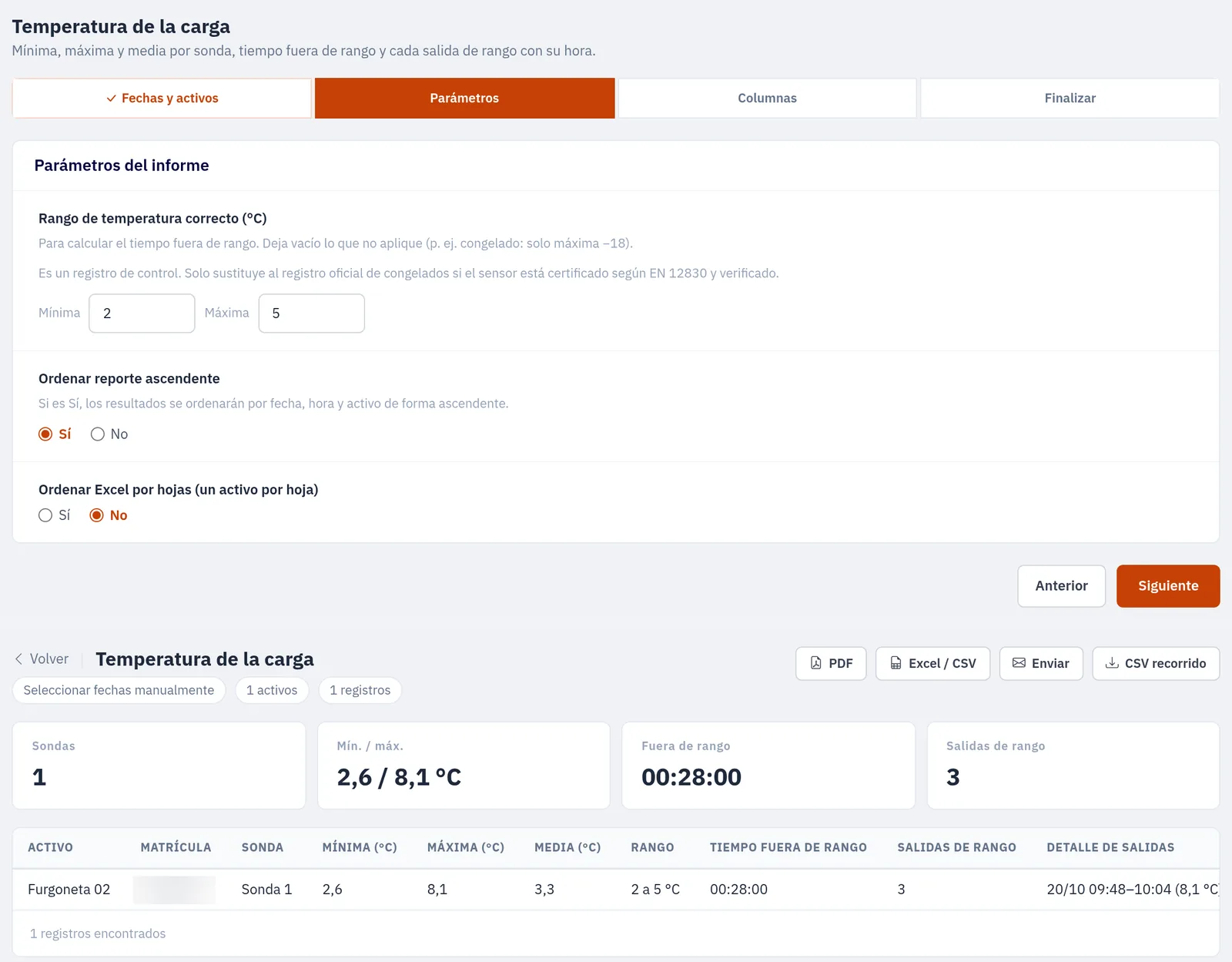
It carries a reference number that anyone can verify on the ZonnaGPS website, and it can cover a whole day.

You set it up: choose the vehicle, the probes, the period and the range.
How it works
From the catalogue, with the vehicles and the period you need.
In PDF, Excel or CSV from the web, or on WhatsApp from the app.
Look at it on the web or in the app, or ask Rumbo: “who idles the most?”.
FAQs
From the web, in PDF, Excel or CSV. From the app, in PDF or Excel, and you can share them on WhatsApp.
It carries a reference number that anyone can verify on the ZonnaGPS website. The report can cover a whole day.
The vehicle, the probes, the period and the range.
Yes. You can ask Rumbo, the ZonnaGPS assistant, things like “who idles the most?” or “summary for yesterday”.
Contact
Ask for more information, request a free demo or get started with us.
Geofence How fast can you get your fleet under control?
Inside: 0/7Congratulations!
Fleet under control in 0 sec.
Your prize: free delivery
One use per customer in the ZonnaGPS online shop.